Play.
Your chosen GBA game starts when the device turns on. Your game file stays local.
Your game. Your image. SeedSignerGame Builder
ONE DEVICE. TWO WAYS IN.
Build a flashable SD card image with your own Game Boy Advance game. Start with a game, then switch into SeedSigner on the same device.
Choose the profile that matches your Pi Zero 1.3 and display.
.gba or .zip · 32 MiB game limit · 40 MiB ZIP limit
Customize game controls and the shortcut to SeedSigner. Defaults work without changing anything here.
Controls are selected after your game is checked.
GBA games only. No game audio or persistent saves. Compatibility varies.
Loading builder…
BUILT & CHECKSUMMED
Next: write the IMG to your SD card using Raspberry Pi Imager.
ONE DEVICE. TWO EXPERIENCES.
Your chosen GBA game starts when the device turns on. Your game file stays local.
Your game. Your image.Keep the game and SeedSigner on one SD card. Open SeedSigner when you need it.
One device. One SD card.Scan a transaction, review it on the device and sign with SeedSigner.
The familiar SeedSigner interface.START WITH WHAT YOU HAVE
Two display sizes. Plus and Play share the larger profile. Supported board: Raspberry Pi Zero 1.3.
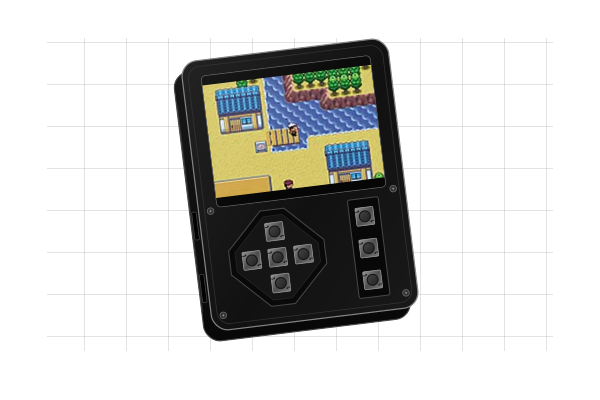
Uses the 320 × 240 Plus profile conditionally. Confirm Pi Zero 1.3 and a matching display/HAT; the maker does not specify every internal part.
Maker’s device details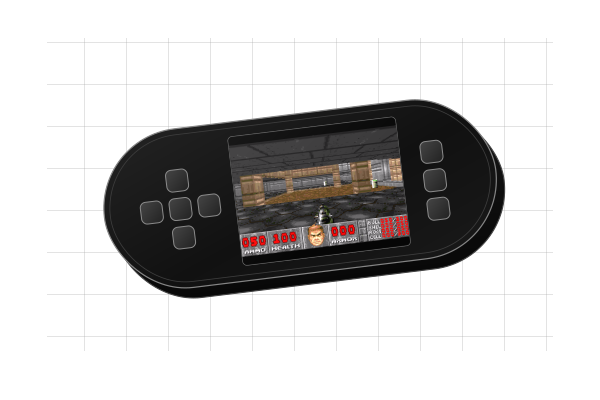
A larger display. For the 320 × 240 ST7789 Plus HAT on Pi Zero 1.3.
Maker’s device details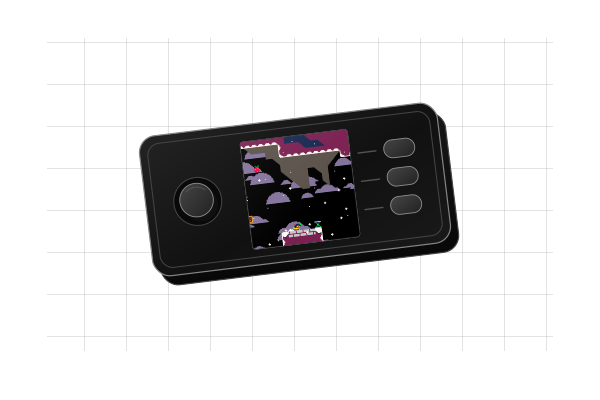
The classic square display. For the 240 × 240 Waveshare 1.3-inch HAT on Pi Zero 1.3.
Reference hardware guideIllustrated hardware with example game screens; proportions are approximate, not to exact scale. Community beta: full hardware qualification remains pending. Illustration references & credits ↗
YOUR GAME, YOUR CHOICE
Use your own GBA game file, or get Video Poker’s separate image for Plus / Play. Games are not bundled; check the controls and testing status below.
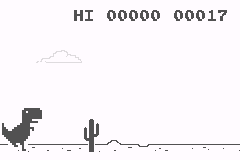
ENDLESS RUNNER
A quick endless runner with simple jump and duck controls.
Get the GBA port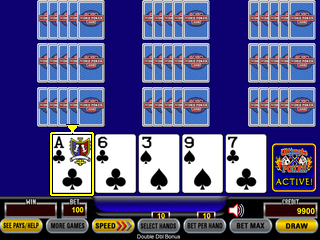
VIDEO POKER
Twelve games, hints, autoplay and a hidden trainer. Flash its separate Plus / Play image directly; this release does not switch into SeedSigner.
Get the separate IMG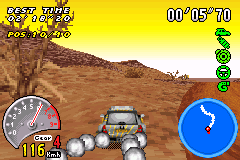
RACING
Reported working by the builder’s creator. Its dedicated racing preset is selected automatically.
Use your own game file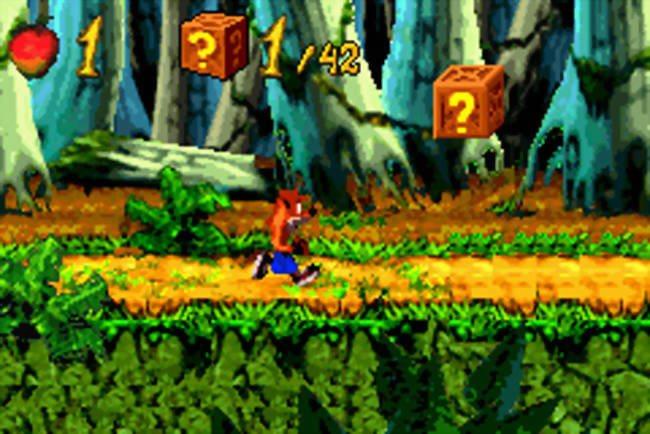
PLATFORMER
Jump, spin and smash crates. Personally tested by the builder’s creator and reported to work great.
Use your own game file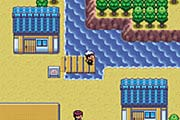
ROLE-PLAYING
Ruby is reported working by the builder’s creator. Persistent saves are not available; progress is lost when you exit or power off. Sapphire is untested.
Use your own game file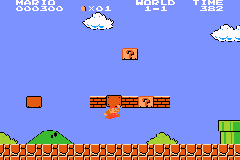
PLATFORMER
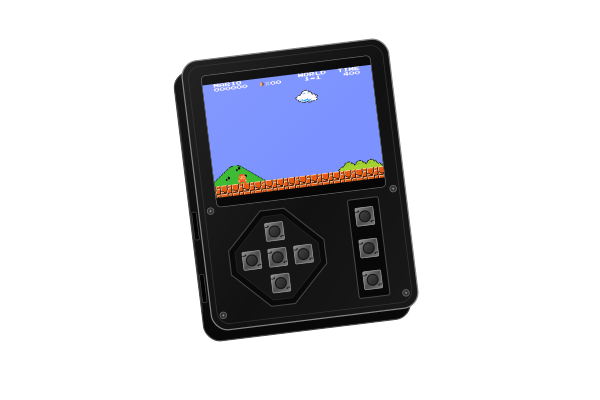
The Classic NES Series GBA edition used in the scroll preview. Gameplay checked in software; physical testing pending.
Use your own game filePrefer something quieter? 2048 Advance is another control fit to try, using D-pad, Start and Select.
Explore 2048 AdvanceCreator tested means gameplay personally reported by the builder’s creator; it does not confirm every feature or button. Advanced can reassign L/R, but cannot add physical buttons. Software checks and earlier-build tests are separate from testing this exact image on a device. Compatibility and speed vary. Testing details & screenshot credits ↗
FROM DOWNLOAD TO DEVICE
Your browser makes the file. Raspberry Pi Imager writes it to your SD card.
Build with your chosen device and game. Save the IMG and its checksum file. Use a current desktop browser for the build.
In Raspberry Pi Imager, choose Use custom, select your IMG and write it to the correct SD card. Writing erases that card. Let verification finish.
Insert the card and power on. By default, hold KEY1 + KEY3—the outer action buttons—for 2 seconds, then release all buttons to open SeedSigner. If you customize this in Advanced, use the shortcut shown with your download. Reboot to return to the game.
A FEW IMPORTANT DETAILS
This version accepts Game Boy Advance files (.gba), or a ZIP containing exactly one .gba file. The game can be up to 32 MiB; the ZIP can be up to 40 MiB. Other consoles and multi-game ZIPs are not supported.
The builder checks the GBA header and file integrity. Emulator compatibility and speed vary by game. Passing those checks does not mean the game has been played on your hardware.
No. This builder accepts a GBA game (.gba or .zip), not a complete SD card image. Video Poker v0.6.6 is a separate IMG for the 320 × 240 Plus / Play hardware. Flash it directly using Raspberry Pi Imager.
That release’s top + bottom two-second hold opens its trainer, not SeedSigner. Changing this builder’s hold time does not modify a separate poker IMG. Combining poker with a SeedSigner shortcut needs a dedicated integration.
The default map uses D-pad, A, B, Start and Select. The D-pad directions, center click and three side buttons provide eight physical inputs; GBA has ten. Advanced can assign L/R to existing buttons, replacing their other actions. Games that need every GBA button may need a different mapping or may not be a good fit. There is no game audio or persistent game-save storage.
V-Rally 3 has a dedicated racing preset and is detected automatically. Advanced settings show the current mapping and let you change each HAT button.
By default, hold KEY1 + KEY3 for two seconds, then release all buttons. Advanced settings let you change the shortcut buttons and timing.
The image targets Pi Zero 1.3. Plus uses a 320 × 240 ST7789 profile; regular uses the 240 × 240 Waveshare HAT profile. Play uses the Plus profile conditionally: verify its board, display and HAT match before flashing. A product photo cannot establish internal compatibility.
The new images still need physical cold-boot, display, button, camera and signing validation. Read the validation record for the current checks and remaining gaps.
No. The ROM is read and added to the image in browser memory. The site downloads its public template, but never uploads your game. There are no accounts, analytics or third-party scripts.
GitHub Pages hosts the site and receives normal requests for its files, including connection information that GitHub may log. Local ROM processing does not make visiting the site anonymous.
No. This is an independent community fork, not an official or endorsed SeedSigner, BitKit or Strike product. It has not had an independent security audit.
The game and SeedSigner share one operating system. The button combination is a way to enter the interface, not authentication or a security boundary. Start validation with disposable test seeds. Never enter a seed into this website.
Never enter a seed into this website. Verify experimental software before using it with real funds.